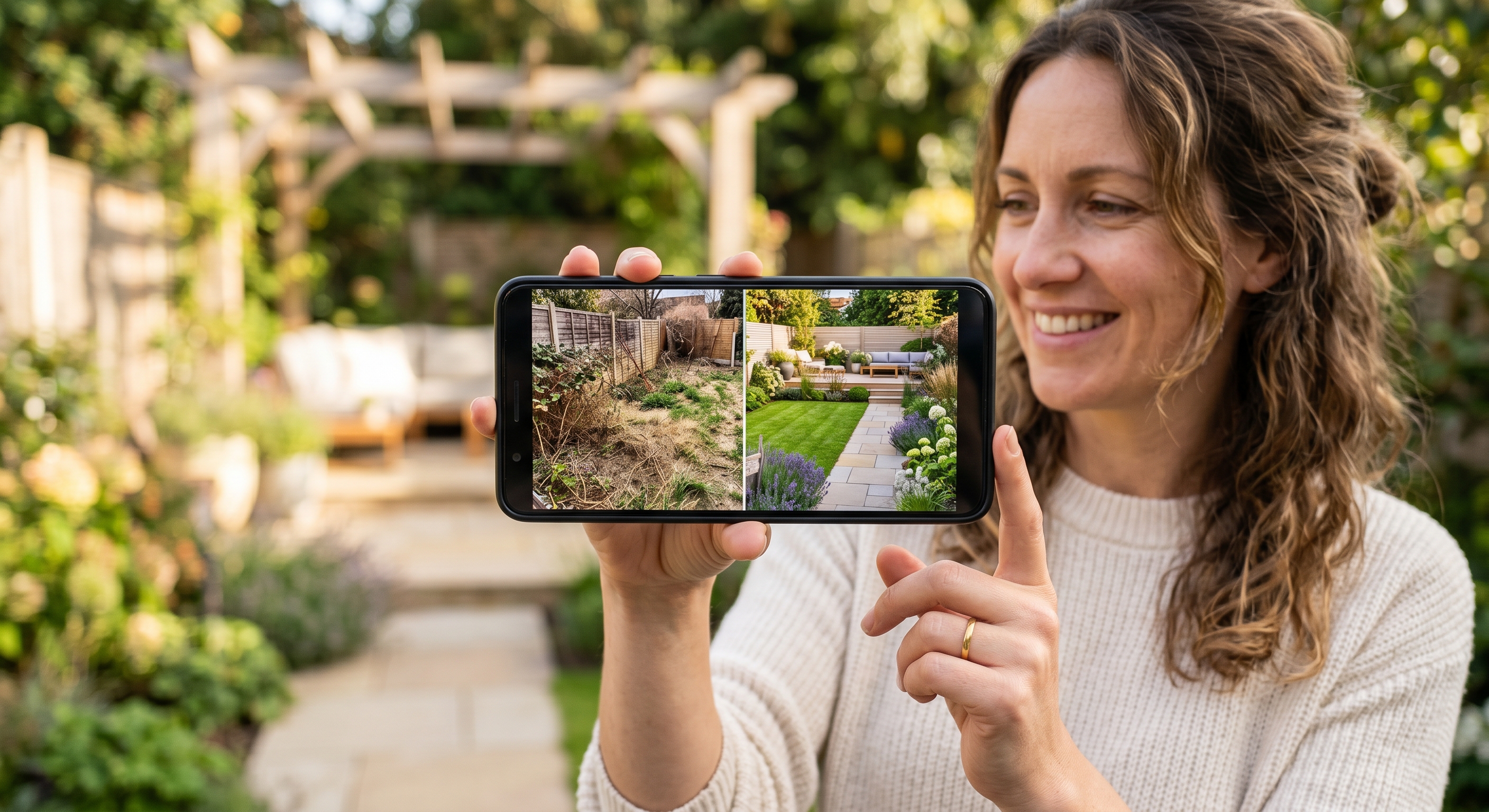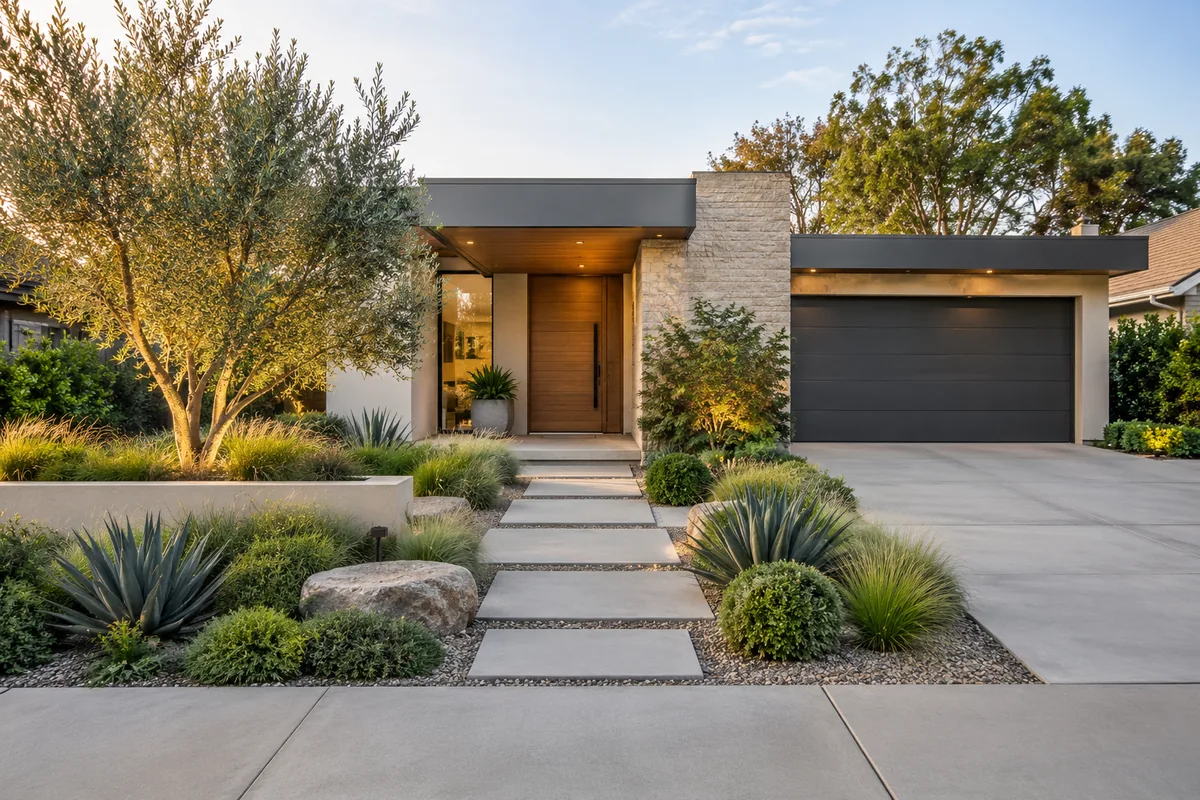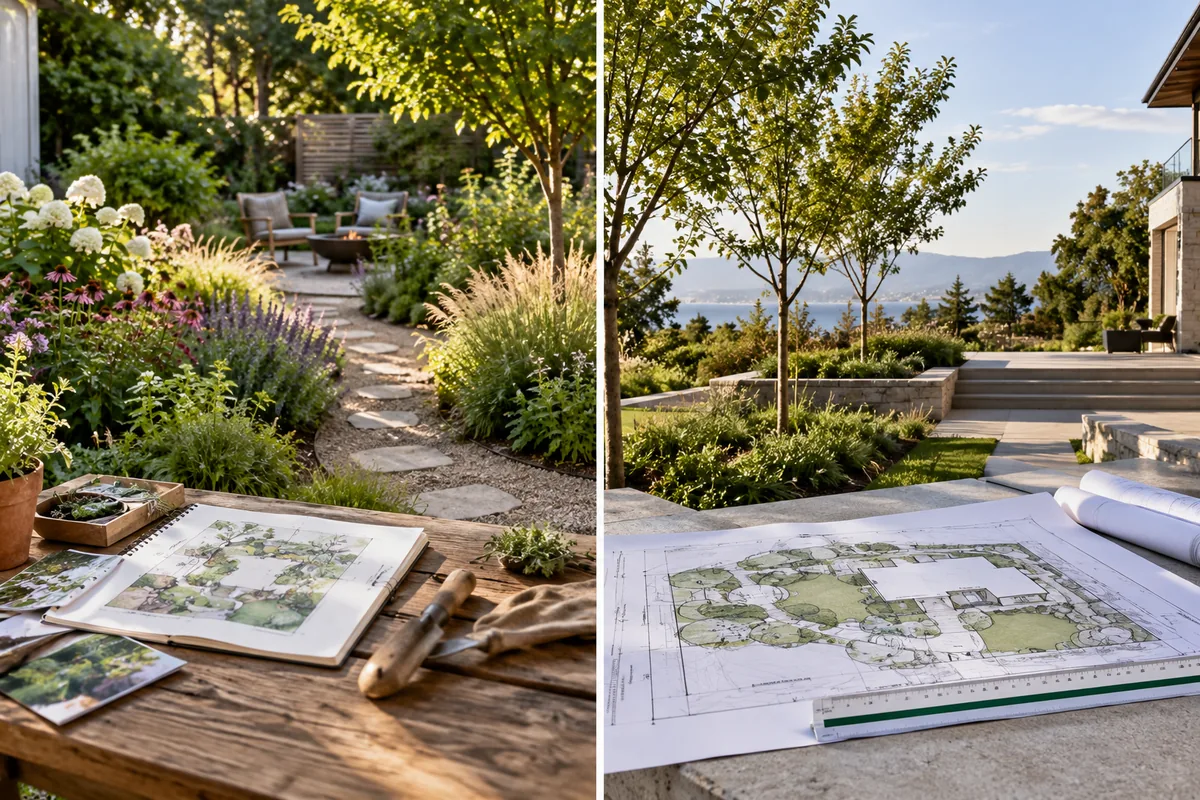
How AI Visualizes a Garden Idea From Your Photo
See how AI garden design from photo turns an existing yard into a visual concept, what the image can communicate, and which details remain unverified.
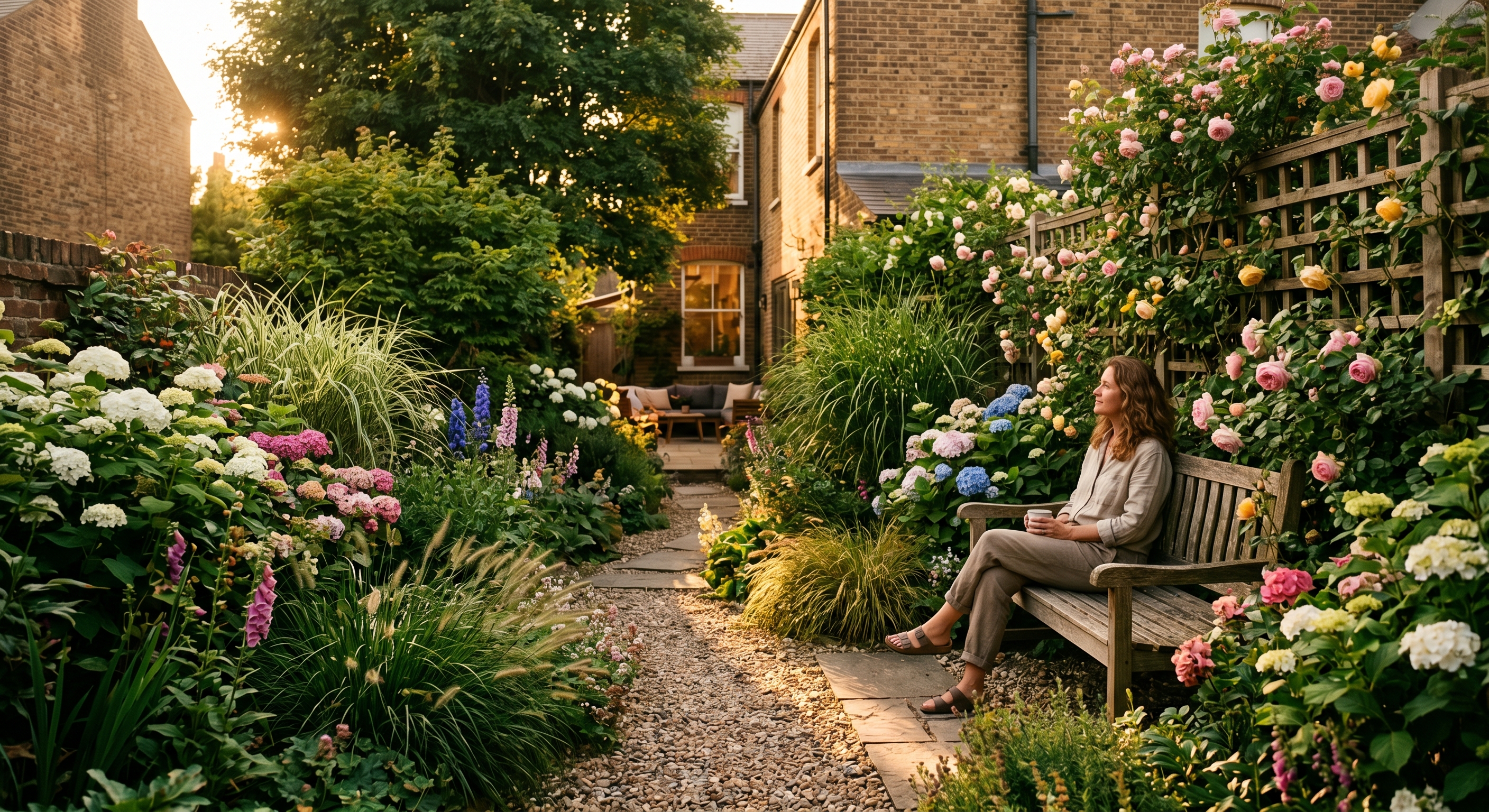
Most people want a beautiful garden, but it can be difficult to picture a new direction from an existing yard.
AILandscape offers a simple visual exploration workflow: upload a photo, choose an available style, and generate an AI-created concept image.
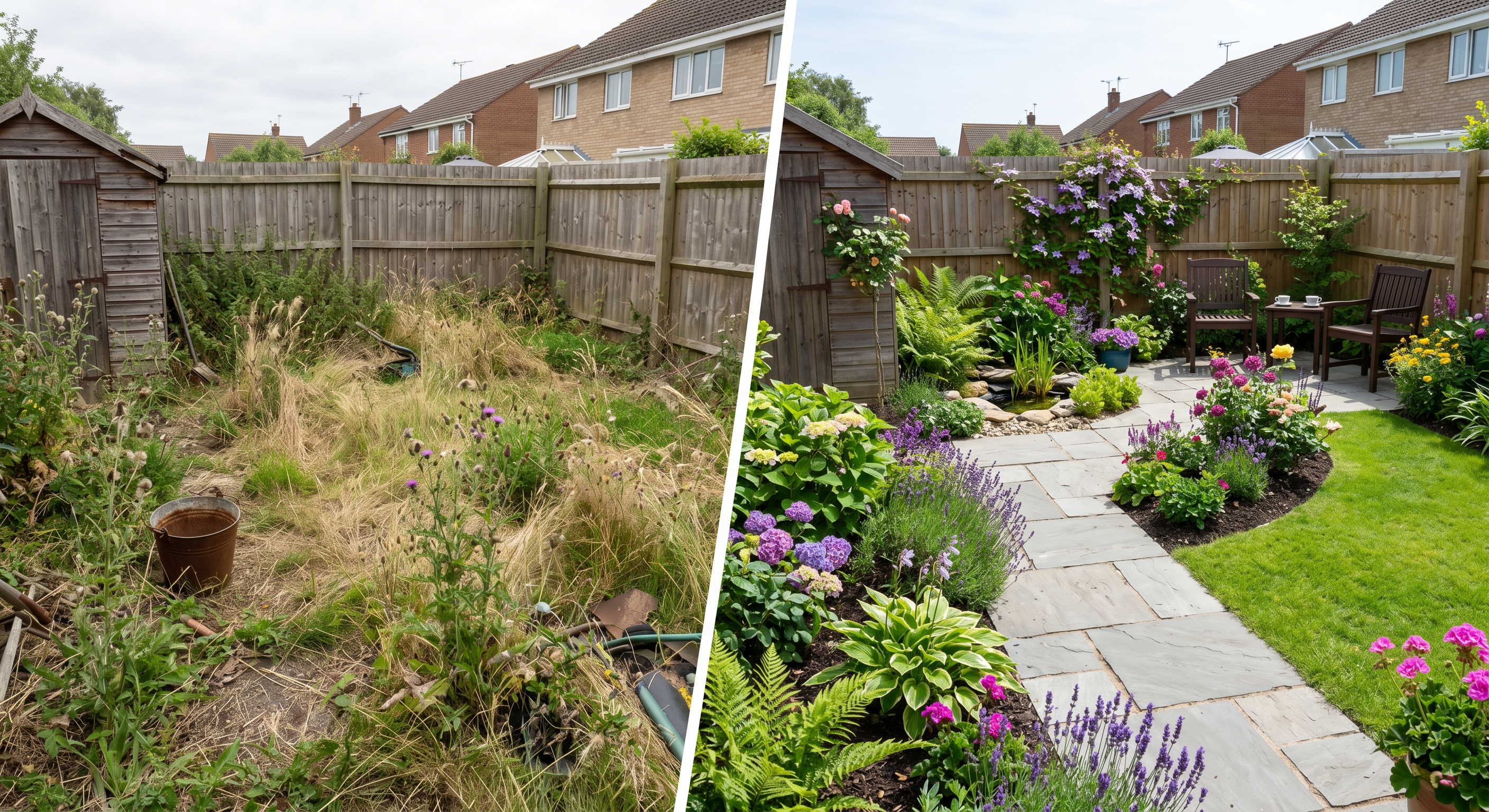
Step 1: Upload a Photo
Take a clear photo of the outdoor area you want to explore and upload it. A wider, well-lit view usually gives the model more visual context than a tight or heavily shadowed image.
The photo is an input to image generation, not a site survey. A generated result may alter, omit, or invent details and should not be treated as a measurement of the property.
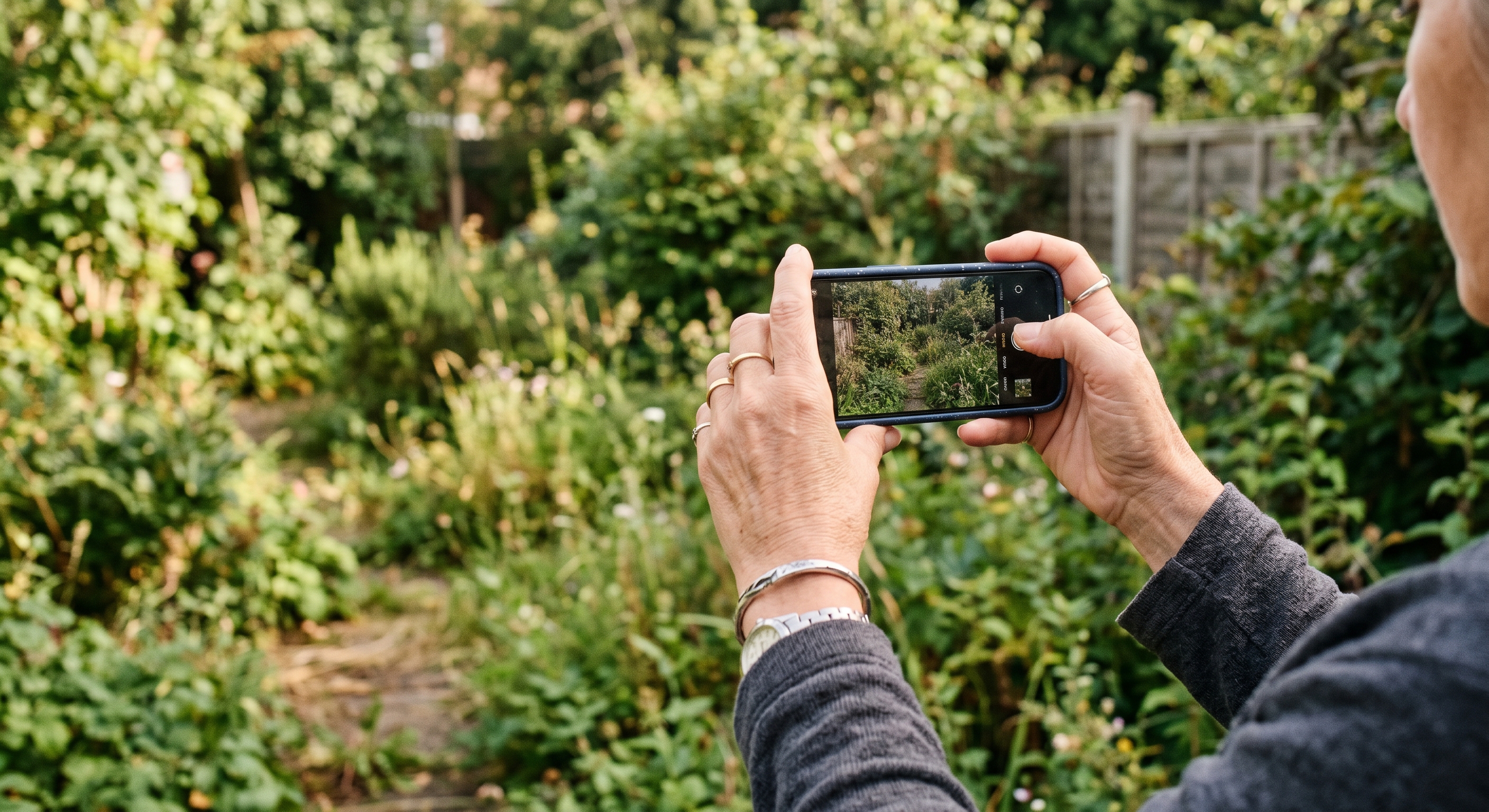
Step 2: Choose an Available Style
Choose from the styles currently shown in the generator. Style access depends on the active product configuration and entitlement.
A style guides the visual direction of the generated image. It does not verify that depicted species, materials, drainage, structures, or other details are appropriate for your property or region.
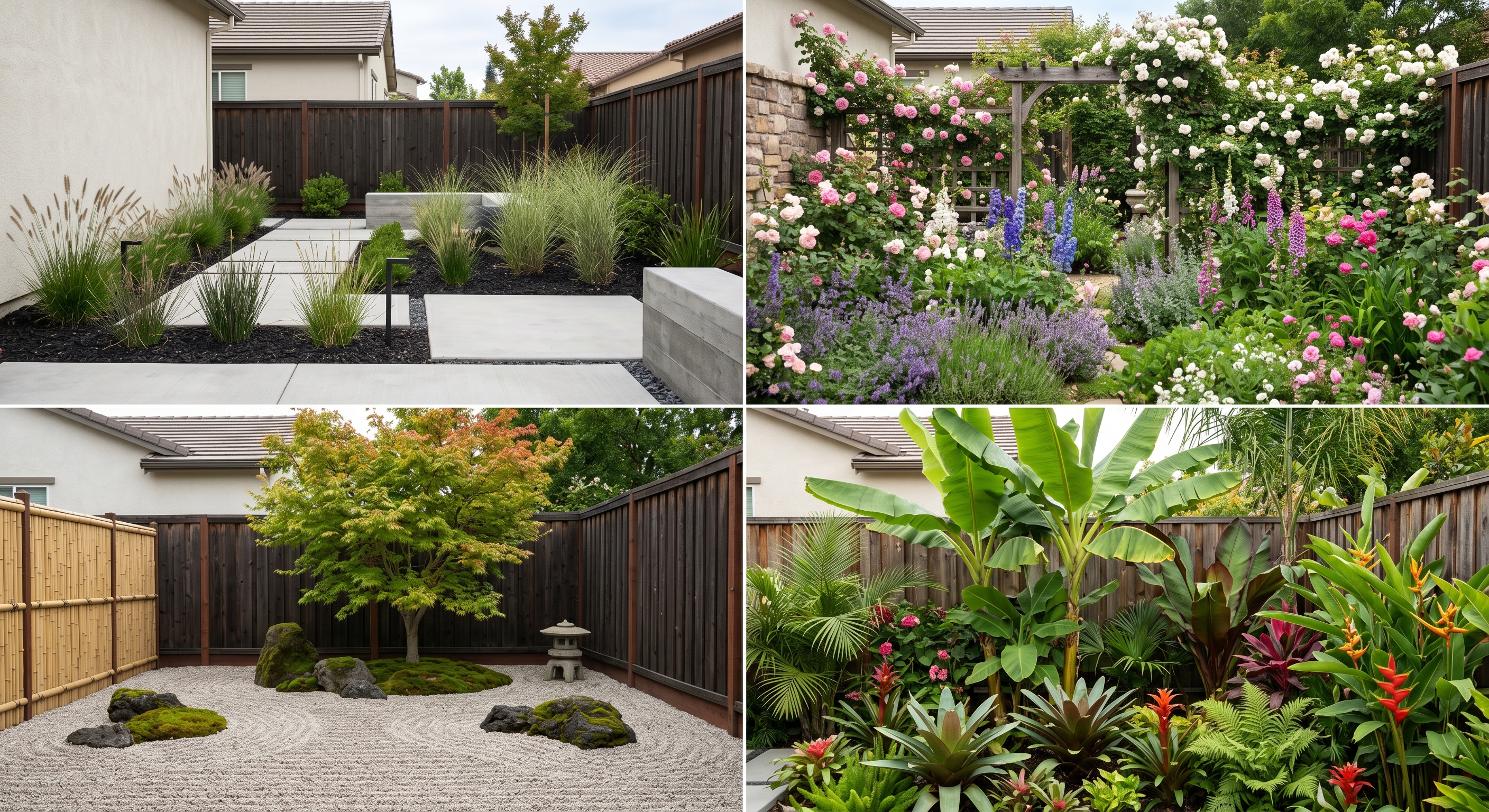
Step 3: Generate a Visual Concept
The service generates a visualization inspired by the uploaded photo and selected style. It is an AI interpretation, not a construction drawing or a reliable prediction of a completed project.
Generation time varies with provider availability and runtime conditions. If you try more than one generation, expect variation between results even when the inputs are unchanged.
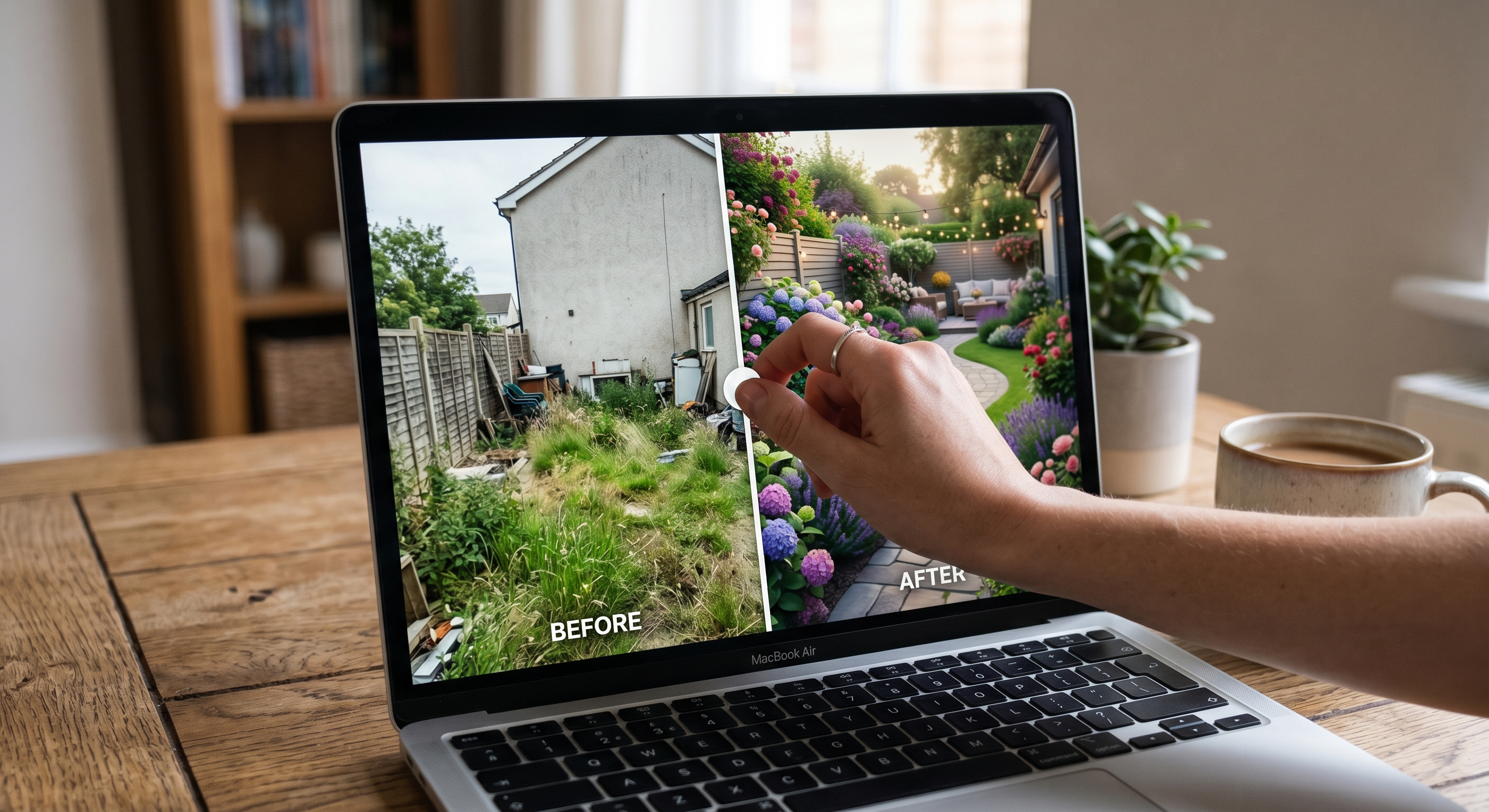
What the Current Result Includes
The current product result is a generated visualization. It does not currently provide a verified planning package, site-specific planting guidance, regional suitability validation, material specifications, project pricing, or contractor-ready documents.
Use the image to compare broad visual directions or communicate inspiration. Before buying or building, ask qualified local professionals to verify dimensions, soil, drainage, grading, structural requirements, permits, materials, species, and budget.
Why This Can Still Be Useful
A visual concept can make an early conversation more concrete. It can help you notice which overall styles or arrangements you want to explore further, without pretending that the generated image is an executable plan.
Free availability and allowances are controlled by the current runtime configuration. Check the generator for the allowance shown for your account rather than relying on a fixed number.
Try the free AI garden design tool to generate a visual concept from your photo, then verify any real-world decisions with qualified local professionals.