How to Use AI for Landscape Design: A Step-by-Step Guide

AILandscape TeamMay 5, 2026

Hiring a landscape designer takes weeks and costs thousands. Doing it yourself with Pinterest screenshots and guesswork rarely ends well.

There is now a third option: AI landscape design tools that turn a photo of your yard into a finished design in under a minute. The catch — most people use them wrong, get bland results, and give up.

This guide walks you through how to actually use AI for landscape design and get results worth building.

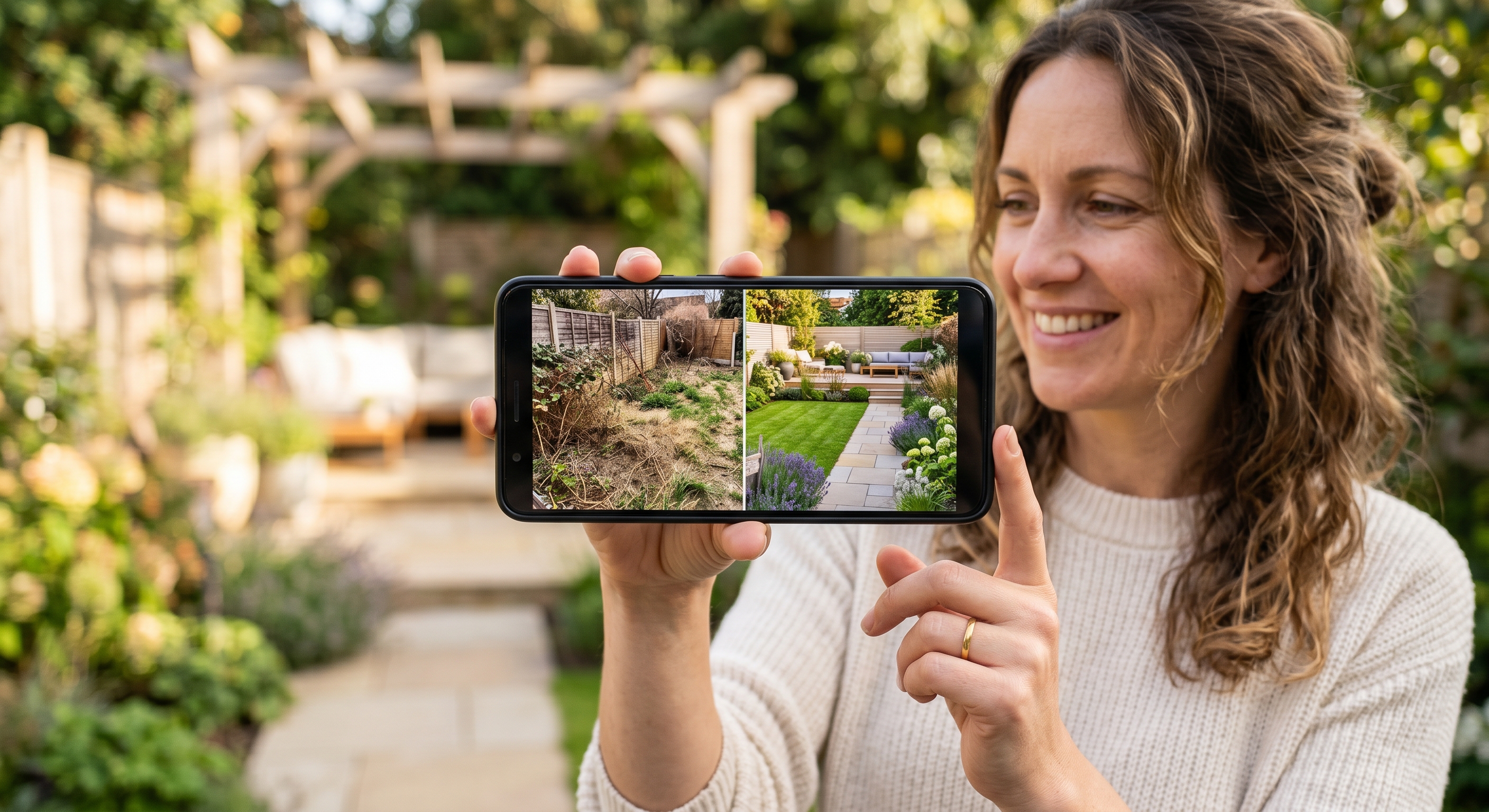
Smartphone showing a yard photo being transformed into an AI-generated landscape design

What AI Landscape Design Actually Does

An AI landscape design tool takes a photo of your outdoor space and a style preference, then generates a photorealistic image of how that space could look redesigned. Some tools also output plant lists, material suggestions, and rough cost estimates.

It is not a CAD tool. It will not produce stamped construction drawings. What it does well is help you decide what you want before you spend money on plants, hardscape, or a designer.

That decision-making layer is where homeowners traditionally get stuck. AI fixes that.

When AI Landscape Design Works Best

Use AI for landscape design when you are:

  • Renovating a yard and want to compare styles before committing
  • Buying a house and trying to picture what the outside could become
  • Hiring a landscaper soon and want to walk in with a clear visual brief
  • Doing a DIY refresh on a budget under $5,000
  • Renting and need low-commitment ideas (containers, gravel, screens)

Skip AI and call a professional when you have:

  • Drainage or grading problems
  • Retaining walls over 4 feet
  • Permitting requirements (HOA, historic district, setback variances)
  • Mature trees that need arborist input

Being honest about this up front saves you frustration later.

Step 1: Take a Photo That AI Can Actually Use

The single biggest predictor of a good AI landscape design is the photo you upload. Most failed designs trace back to a bad input image.

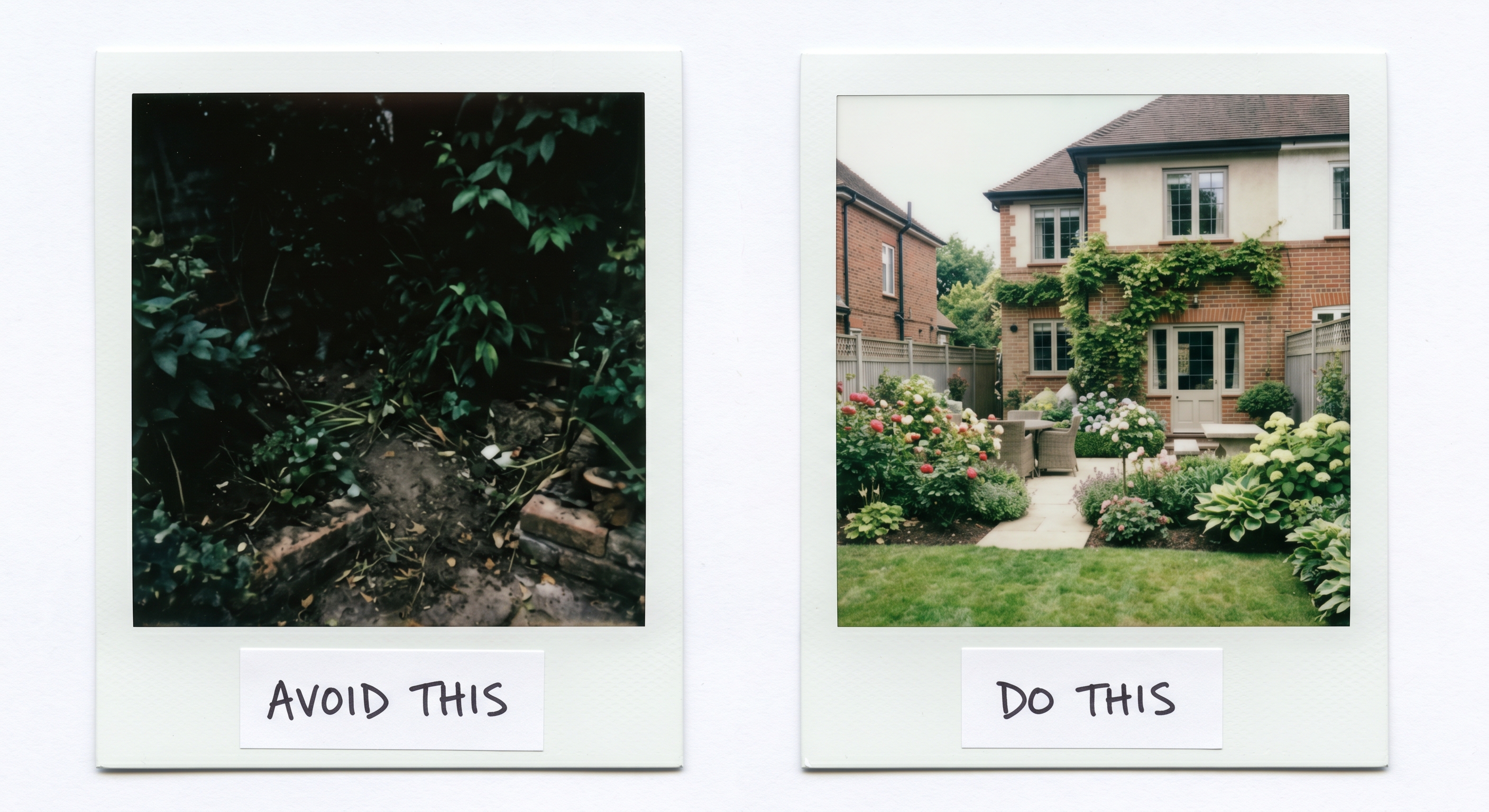
Do this:

  • Stand far enough back to capture the full area you want redesigned
  • Shoot in soft daylight — overcast days are ideal, harsh midday sun creates blown-out highlights
  • Hold the camera at chest height, parallel to the ground
  • Include reference points: the house, the fence, an existing tree
  • Take 2-3 photos from slightly different angles so you can pick the cleanest one

Avoid:

  • Tight close-ups of one corner — the AI needs context
  • Photos with people, pets, or cars in frame
  • Heavy shadows or backlighting
  • Wide-angle distortion from phone "0.5x" lenses

Side-by-side comparison of a good yard photo and a bad yard photo with annotations

Step 2: Choose Your AI Landscape Design Tool

Not every AI tool is built for landscape design. Generic image generators will produce something that looks like a garden but ignore the constraints of your actual space.

What to look for in a dedicated AI landscape design tool:

FeatureWhy it matters
Photo-based inputGeneric prompts produce generic gardens. Photo input keeps your fence, house, and existing trees in the result.
Free tierYou should be able to test the tool before paying.
Multiple style optionsOne-style tools force a look on you. Real choice means real comparison.
Iteration / refinementFirst generations are rarely perfect. You need to refine, not start over.
Sub-minute generationIf a tool takes 10 minutes per image, you will not iterate.

AILandscape is built specifically for residential landscape design and meets all five criteria. The first three designs are free.

Step 3: Pick a Design Style

Eight design styles are available. The free tier exposes the first four; the full generator unlocks all eight.

Modern

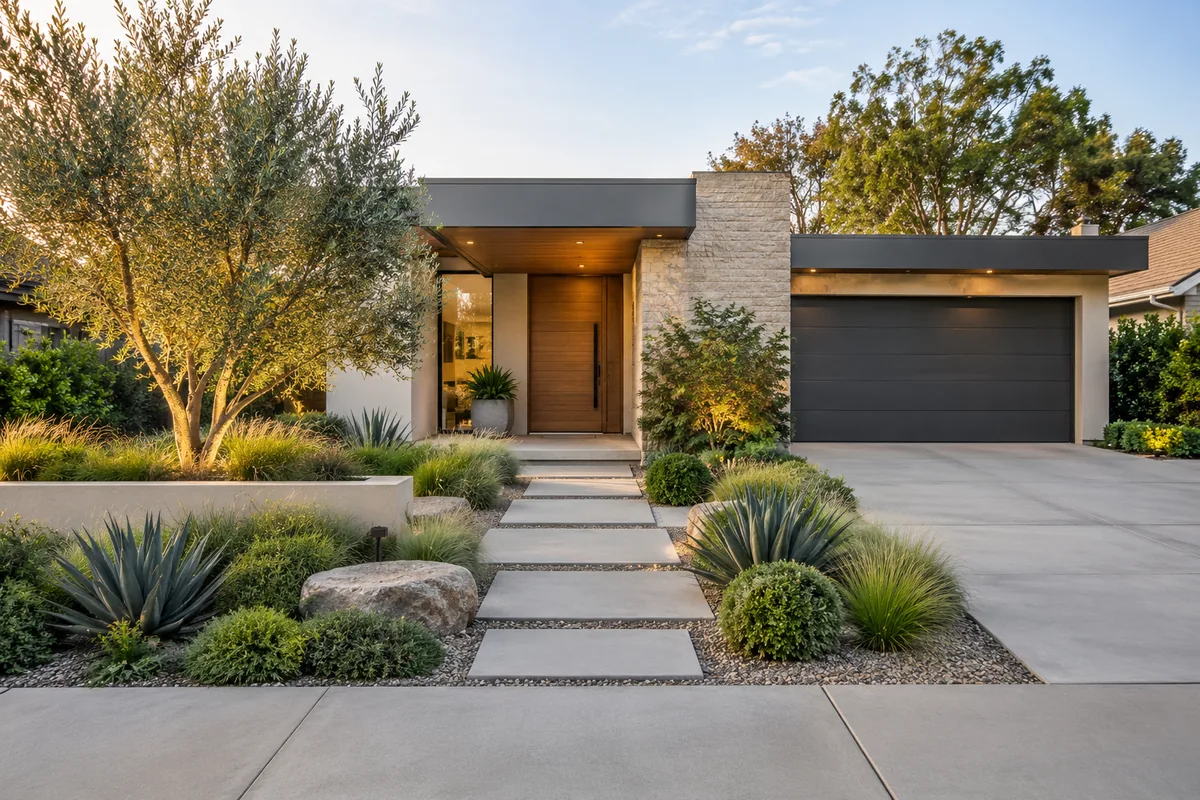
Clean lines, architectural plants, gravel or concrete hardscape, restrained color palette. Best fit for contemporary homes, urban lots, and homeowners who hate weeding.

Cottage

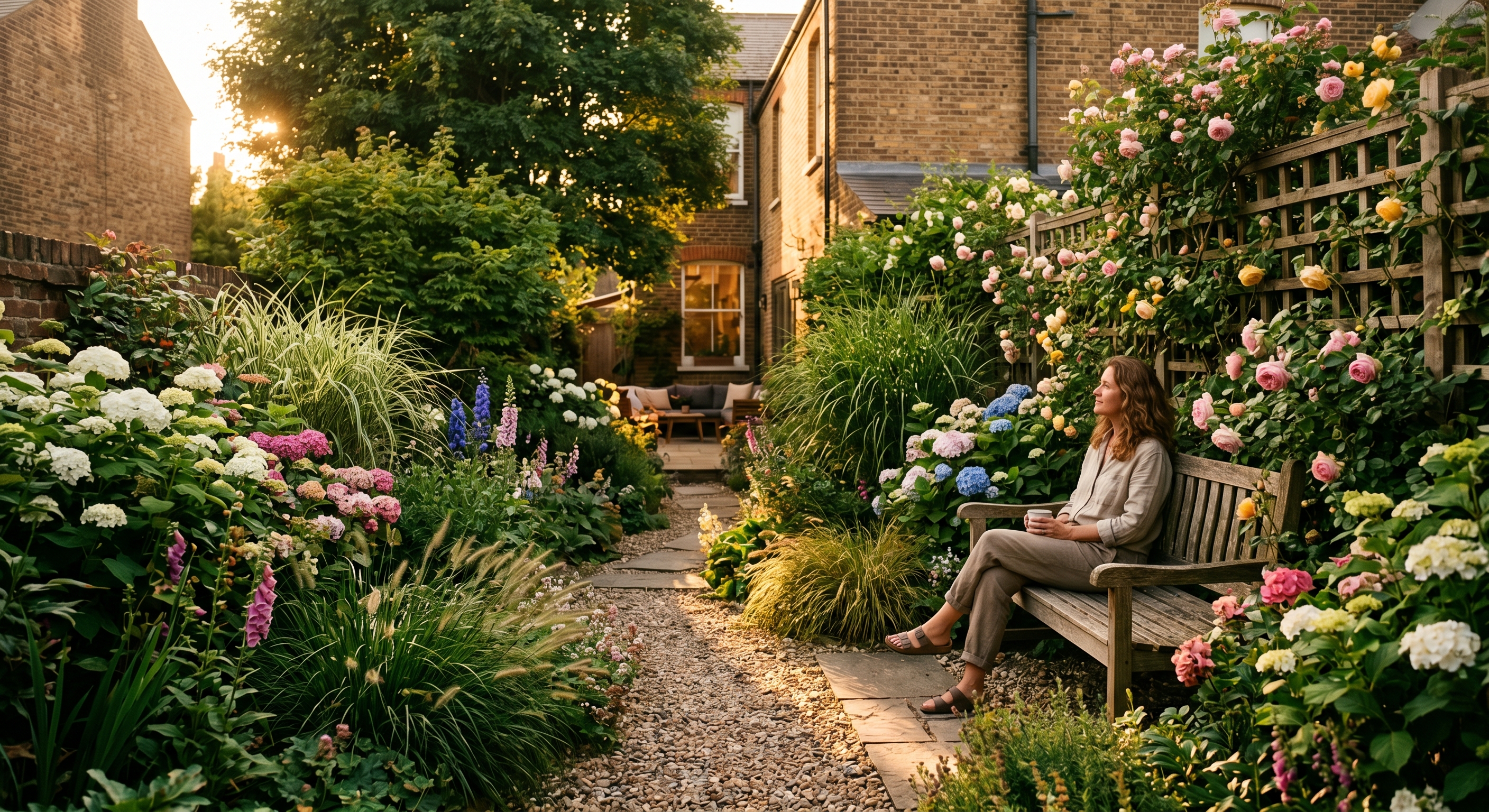
Layered perennials, climbing roses, soft curving edges, mixed colors. Best fit for traditional homes, larger lots, and gardeners who genuinely enjoy the work.

Mediterranean

Terracotta, lavender, olive, drought-tolerant plants, gravel paths. Best fit for hot dry climates (California, Arizona, Texas, southern Europe) and homes with stucco or warm tones.

Zen

Moss, stone, raked gravel, restrained planting, deliberate negative space. Best fit for small spaces, courtyards, and minimalists. Surprisingly low-maintenance once established.

Tropical

Bold foliage, layered greens, dense planting, water features. Best fit for warm humid climates (Florida, Hawaii, Gulf Coast) and homeowners who want a vacation-feel backyard.

Native

Locally adapted species, pollinator-friendly, low water and chemical input. Best fit for any region — the species change to match your location. Strong ecological choice with minimal long-term maintenance.

Farmhouse

Vegetable beds, herb borders, natural wood, gravel paths, casual layout. Best fit for traditional and country-style homes, larger lots, and homeowners who want the garden to be productive as well as pretty.

Desert

Succulents, agave, gravel mulch, boulder accents, extreme water efficiency. Best fit for arid climates (Arizona, Nevada, Southern California, west Texas) and anyone serious about xeriscaping.

How to choose:

  1. Match your house — a Spanish-style house gets Mediterranean, not Zen. A craftsman bungalow leans Cottage, not Modern.
  2. Match your climate — Tropical will die in Phoenix; Desert will look out of place in Seattle.
  3. Match your maintenance appetite — Cottage and Farmhouse demand constant work. Modern, Zen, Native, and Desert forgive neglect.

Eight AI-generated garden designs showing the same yard in modern, cottage, mediterranean, zen, tropical, native, farmhouse, and desert styles

Step 4: Generate Your First Design

Upload the photo, select the area type (front yard, back yard, side yard, or patio), pick the style, and hit generate.

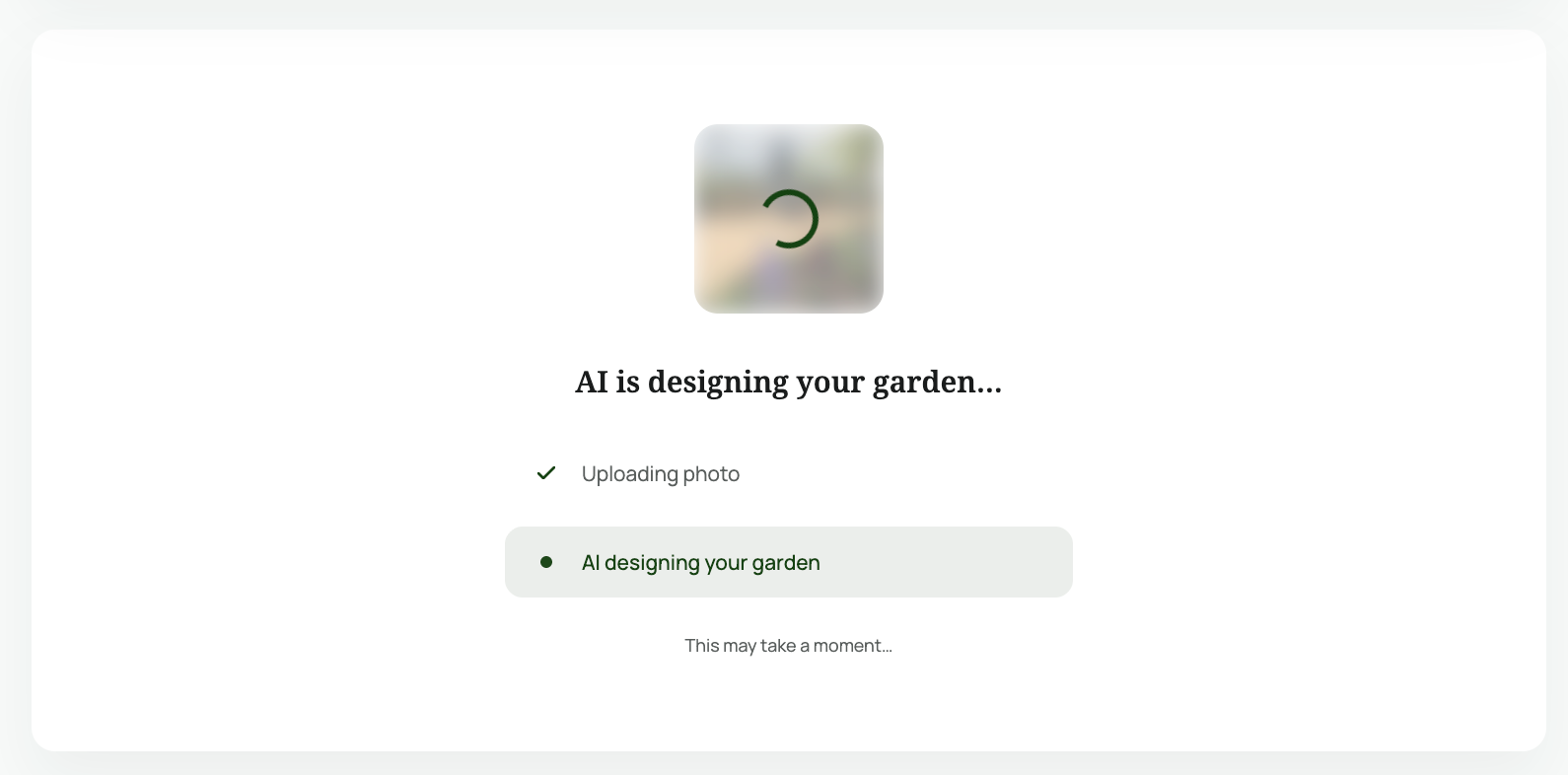
The AI takes about 60 seconds. During that time it is:

  • Reading the existing structures in your photo
  • Inferring your climate from photo metadata or your prompt
  • Selecting plants appropriate for that climate
  • Composing the redesign with your house, fence, and trees still in frame

When the result loads, you get a photorealistic rendering of your yard, not a stock garden image.

AI generating garden design — loading screen showing upload and generation steps

Step 5: Refine Until It Looks Right

The first generation is a draft, not a final answer. The homeowners who get the best results from AI landscape design always iterate.

Three refinement strategies:

Regenerate with the same inputs. AI is non-deterministic. The same photo + same style produces different layouts each run. Generating 3-5 versions and picking the best is faster than over-prompting.

Adjust the style. If Modern feels too cold, try Cottage. If Cottage feels overwhelming, try Zen. The fastest way to learn what you want is to see what you don't.

Lock what works, change what doesn't. Use refinement features to keep the patio you love and replace the planting bed you don't.

Stop iterating when you can clearly say yes, that one without hedging.

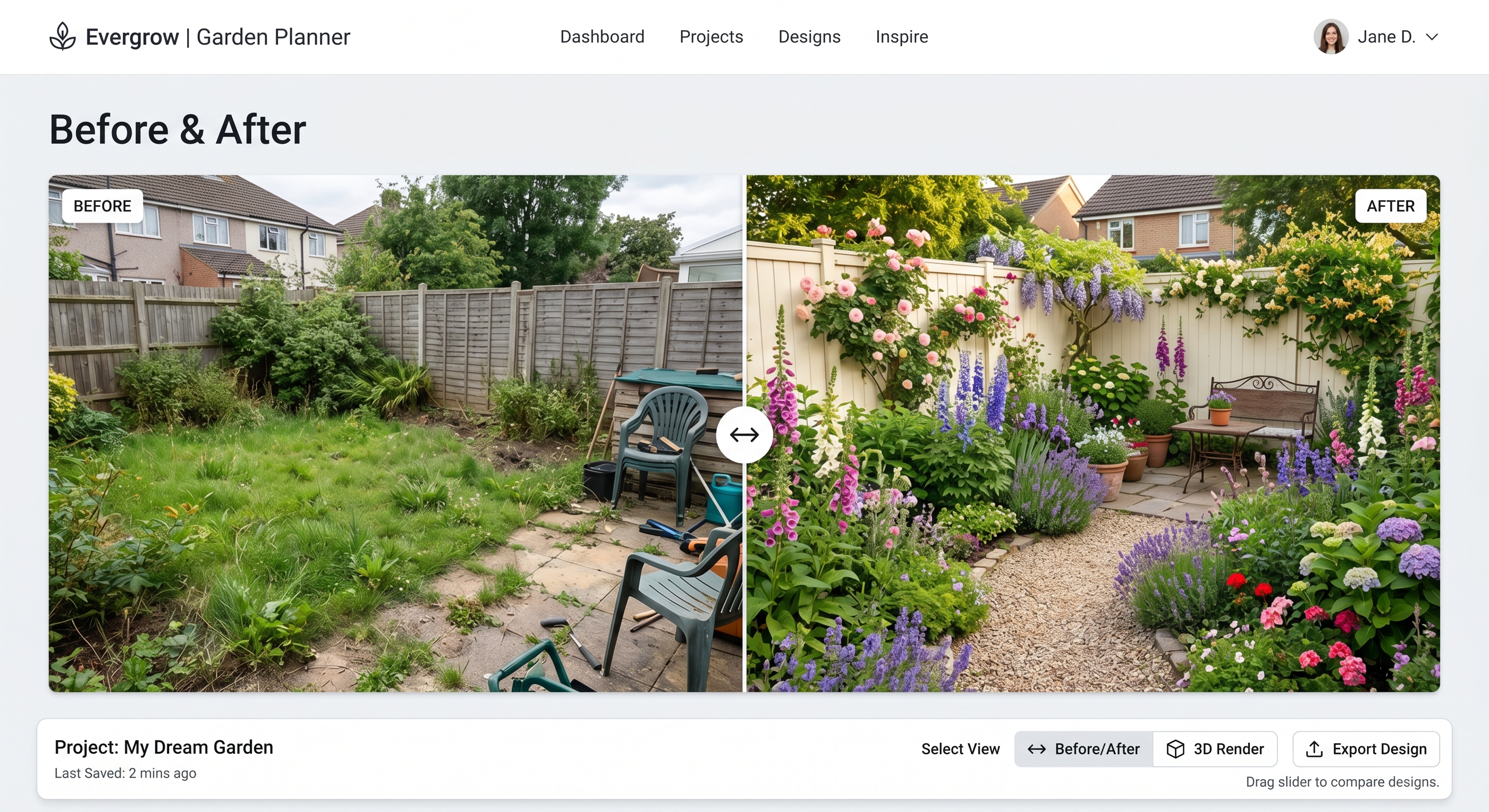
Before and after garden design comparison slider interface

Step 6: Turn the Design Into a Real Garden

A pretty render is not a garden. To get from screen to soil:

Extract the plant list. Cross-reference each species with your USDA hardiness zone before buying. AI gets climate suggestions roughly right but local nurseries are the source of truth.

Decide DIY vs hire. Rough budget tiers:

  • Under $1,500 — DIY is realistic for a small front yard with planting only
  • $1,500–$8,000 — DIY possible for handy homeowners; otherwise hire a maintenance landscaper for installation
  • $8,000+ — bring in a landscape contractor and use the AI design as your visual brief

Stage the work. Hardscape (paths, walls, edging) goes in before plants. Plants go in during the right season for your zone — usually fall or early spring, never midsummer.

Tips for Better AI Landscape Design Results

After generating thousands of designs, the patterns are clear:

  1. Photograph in soft light. Overcast beats sunny.
  2. Shoot the whole space. AI cannot redesign what it cannot see.
  3. Generate multiple times before judging. Three runs minimum.
  4. Match style to home, not taste. A Tudor house with a Zen garden looks wrong no matter how nice the Zen garden is.
  5. Use AI for direction, nurseries for plants. Specific cultivar names matter; ignore them in early iterations.
  6. Save designs you reject. A "no" from week one might be a "yes" once you have seen the alternatives.
  7. Show the result to someone offline. A neighbor's reaction is the best critic.

Limitations You Should Know

Worth being clear about what AI landscape design cannot do:

  • It does not measure your space. Quoted dimensions in any output are estimates.
  • It does not check soil, drainage, or grading.
  • It does not produce construction documents or permit-ready drawings.
  • It does not replace an arborist for tree decisions.
  • It will occasionally produce plants that do not exist or that cannot survive in your zone — verify before buying.

For the 90% of residential projects that are about ideation and visualization, none of this matters. For the other 10%, AI is a starting point, not an endpoint.

Frequently Asked Questions

Is AI landscape design free? Yes — most tools, including AILandscape, offer free generations to start. AILandscape gives you 3 free designs with no credit card.

How accurate is AI landscape design? The visual rendering is highly accurate to your actual yard. Plant suggestions are generally appropriate for the climate but should be verified against your USDA zone before purchase.

Can AI design my yard from just a photo? Yes. A single clear photo is the only input required. No measurements, no CAD files, no design experience.

What is the best AI for landscape design? The best tool is one built specifically for residential landscape design with photo input, style options, and refinement features. Generic image generators struggle to keep your real yard intact in the output.

How long does AI landscape design take? Around 60 seconds per generation. Plan to run 3-5 generations to find a result you love.

Try It Yourself

The fastest way to understand AI landscape design is to use it on your own yard. Take a photo, start a free design, and see what your space could become.

For more on how the AI actually works under the hood, read How AI Designs Your Garden in 60 Seconds.

AILandscape Team